Shooting
★ 4.2
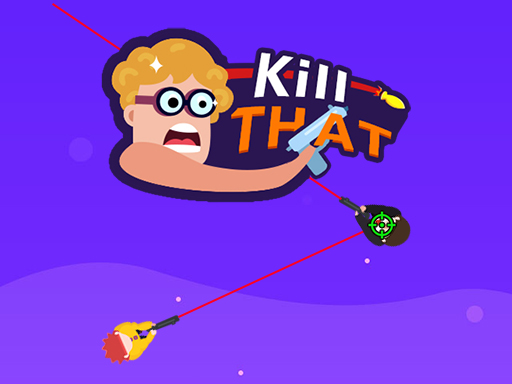
Kill That
Slide your finger to aim and tap the screen to shoot
4,970
★ 4.0
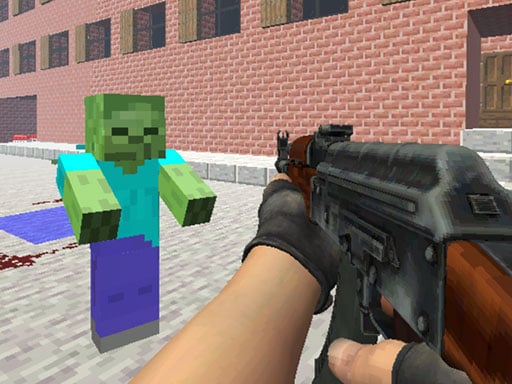
Counter Craft 2 Zombies
Move using WASD. Left mouse button shoots. Right mouse button aims. Mouse wheel changes weapon. R reloads. Space jumps. T activates bullet time.
6,497
★ 4.3
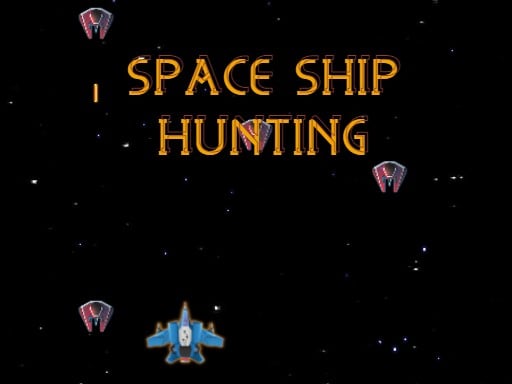
SPACE SHIP HUNTING
ASWD or Arrow Keys control player movement. Pressing the Space bar fires bullets. Mouse left click also initiates shooting. Movement and shooting mechanics provide interactive gameplay focusing on navigation and combat.
3,326

★ 4.2
Space War Symphony
Move the ship left and right with the mouse. Left-click to shoot; hold for auto-fire. Time shots to the beat for extra damage, score, and combo. Dodge enemy bullets, survive waves, and press P to pause.
5,492
★ 4.2
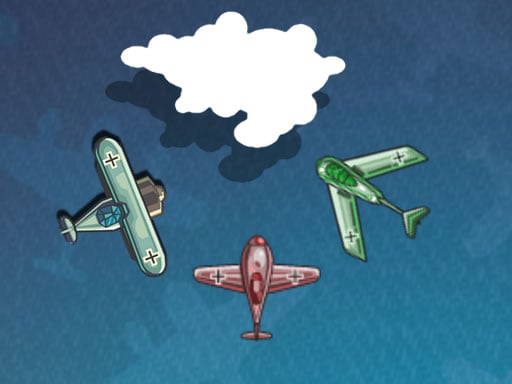
Air War 1942 43
Click or tap on the screen to interact with the game elements using your mouse or touch controls.
4,487
★ 4.3
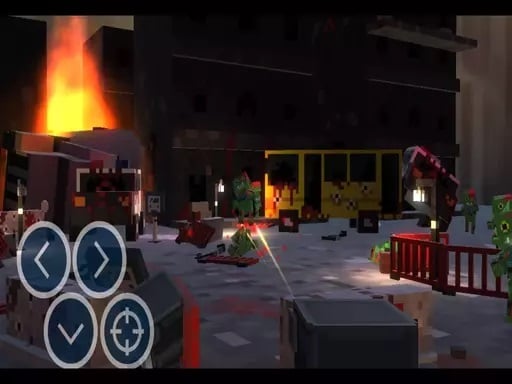
Private Zombie Wave 2
Move left with A, move right with D, hide using S, shoot with Space, pause with P. Screen controller available for navigation.
7,285
★ 4.8
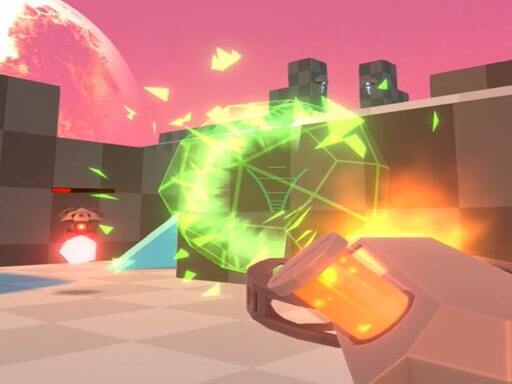
Hover Hunt
Use WASD keys for movement and left click to shoot. Press R to reload your weapon.
4,999
★ 4.1
Private War Pro
Navigate using WASD, jump with space, reload your weapon with R, and fire using your mouse.
4,495

★ 4.4
Village Defender
Touch the screen to start and control the game. Each tap will trigger actions or movements within the game world, guiding you through various challenges and interactions. Continue tapping to progress and explore.
4,698
★ 4.5
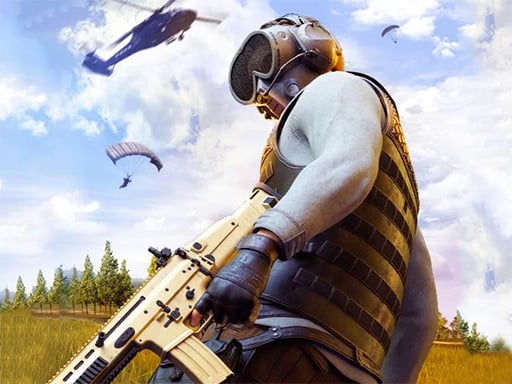
PUBG Infinity BattleField OPS
Use WASD or arrow keys to move, shift for sprinting, mouse for aiming and shooting, R to reload, space for parachute or jumping, E to enter vehicles, G to throw grenades.
7,659
★ 5.0
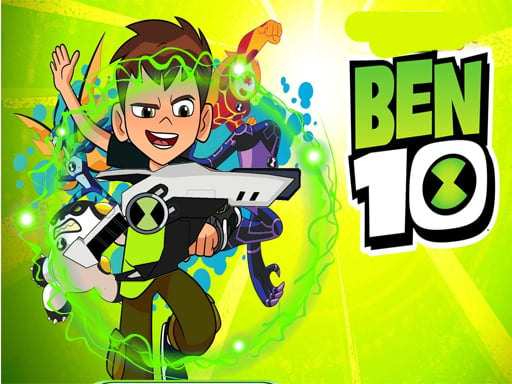
Ben 10 Tower Defense
Effortlessly navigate through levels with straightforward controls designed for quick learning and smooth play.
4,052
★ 4.6
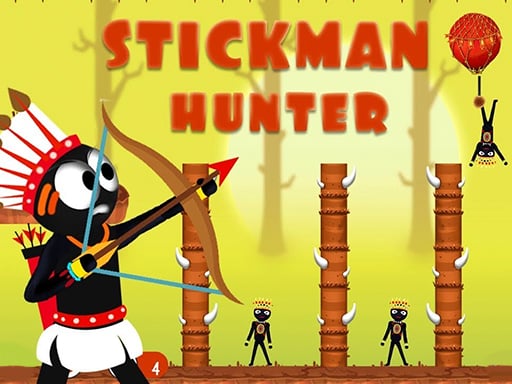
Stickman Hunter
Click or tap on the screen to interact and play. Use mouse clicks for desktops or taps for mobile devices to engage with the game elements and proceed through levels or challenges.
7,999
★ 4.1
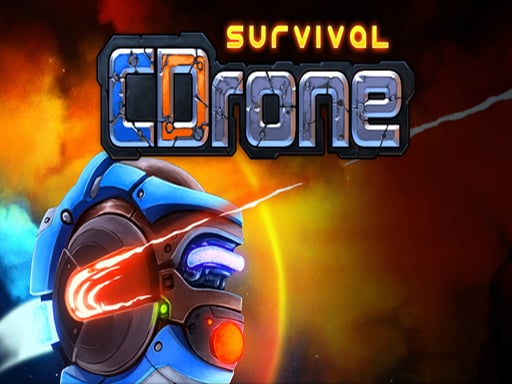
CDrone Survival
Use either mouse clicks or touchscreen taps to interact with the game elements. For navigation, simply click or tap on the desired area. To select items, click or tap on them. For actions, such as jumping or attacking, specific buttons will appear on the screen; clicking or tapping these executes the action. Adjust your strategy based on real-time feedback from the game interface.
4,501
★ 4.8
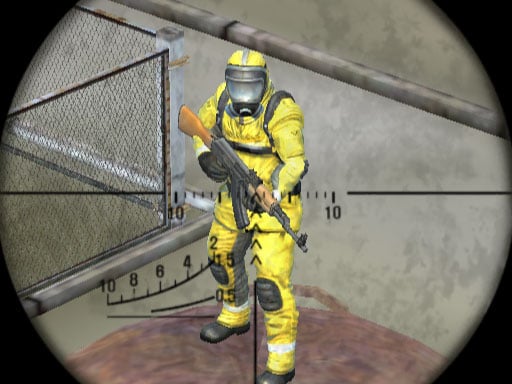
Dead Zone Sniper
Move using WASD. Press the left mouse button to shoot. Use the right mouse button to zoom in for precise aiming. Reload your weapon with R. Pause the game at any time with P.
7,076
★ 4.1
1UP Gunman
Tap the screen to interact and progress through levels. Each tap can trigger actions like jumping, attacking, or casting spells depending on the in-game context. Navigate challenges by timing your taps accurately to overcome obstacles and defeat enemies.
7,554
★ 4.8
Metal Slug Adventure
Click or tap on the screen to interact and play.
5,946
★ 4.8
Crossbow Sniper
Tap the screen to start playing and interact with the game. Each tap will trigger actions within the game world, progressing the player through levels or challenges. Use timing and rhythm to your advantage for better outcomes.
4,848
★ 4.9
Ultimate Strike
WASD controls movement, space for jumping, C to crouch. Left mouse button shoots, right mouse button aims. Press R to reload, P opens pause menu. Numbers 1, 2, and 3 select different weapons.
3,834
★ 4.3
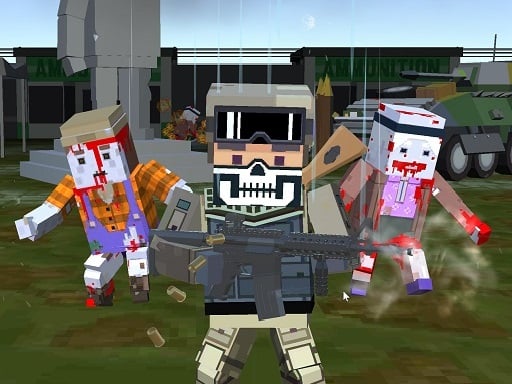
Pixel multiplayer survival zombie
WASD controls character movement. Mouse looks around and aims for shooting, scrolling changes guns. Tab opens menu. Q and E access attachments and camo options. Enter initiates chat.
6,679
★ 4.5
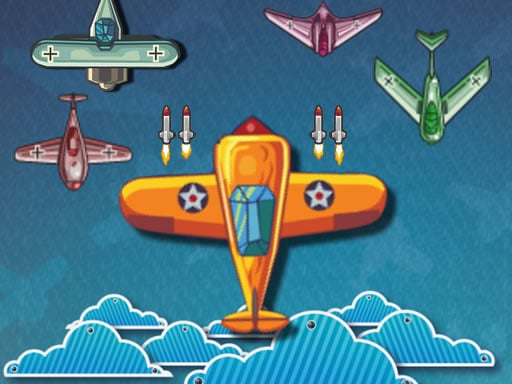
Air War 1941
Key touch or mouse interaction allows players to control characters or navigate menus effortlessly. Keys provide precise directional inputs and command execution, enhancing gameplay responsiveness. Mice offer便捷的点击和拖拽功能,使界面操作更加直观。结合两者,玩家能在游戏中实现从角色移动到物品选择等多样化互动,提升整体游戏体验。
6,639